NUX Video Streaming App

This project was completed as part of a university assignment and focused on prototyping a mobile movie streaming app designed exclusively for landscape orientation.
The mandate was to design a user-centric prototype for NUX Corporation’s first smartphone platform, with an emphasis on seamless navigation, content accessibility, and engagement. The deliverables included a landing page, a catalogue item detail page, and a viewing page.

Wireframes

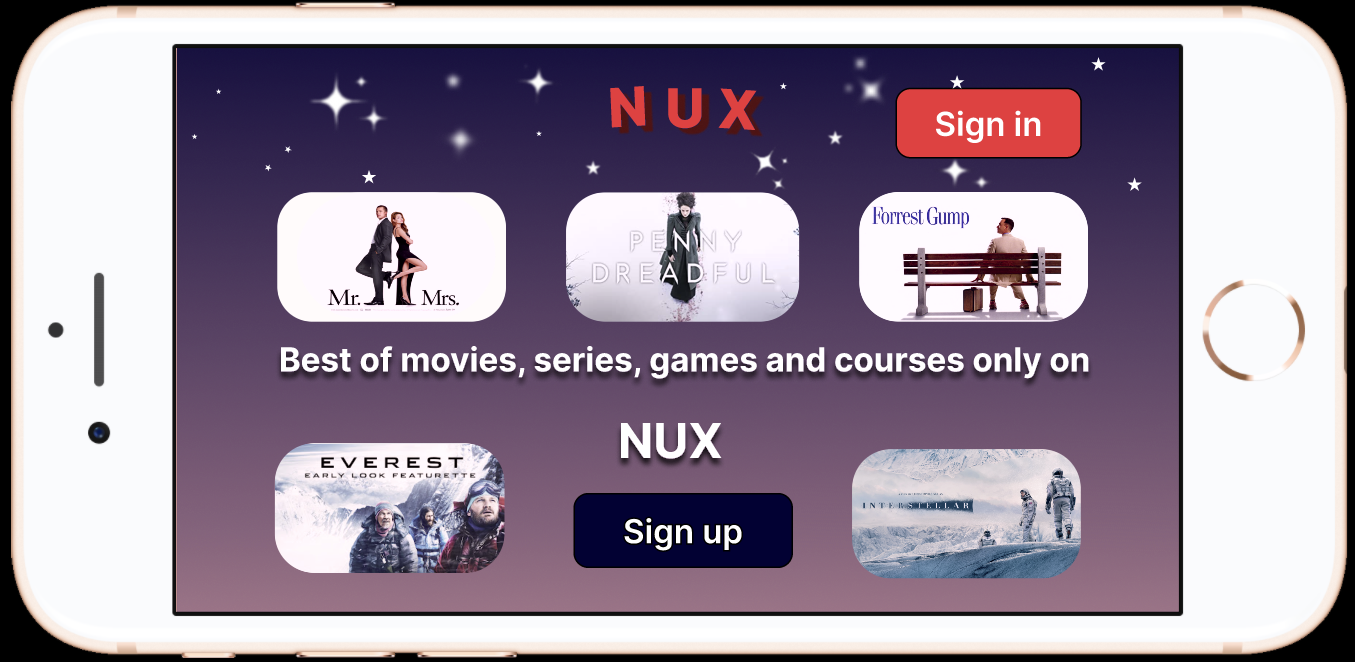
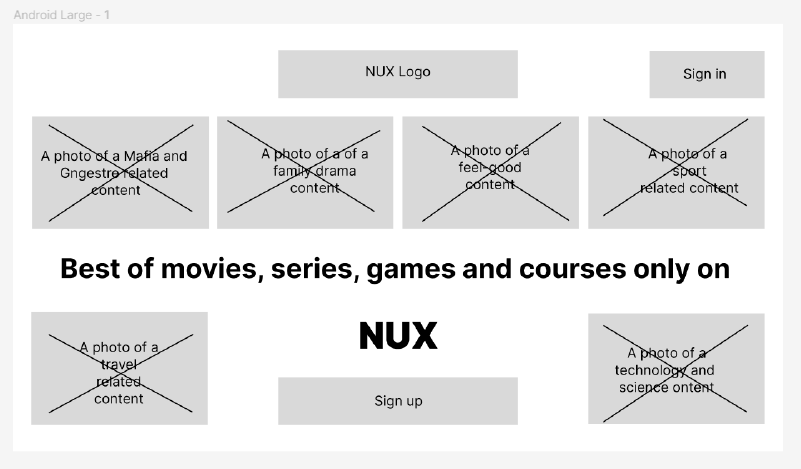
Landing page
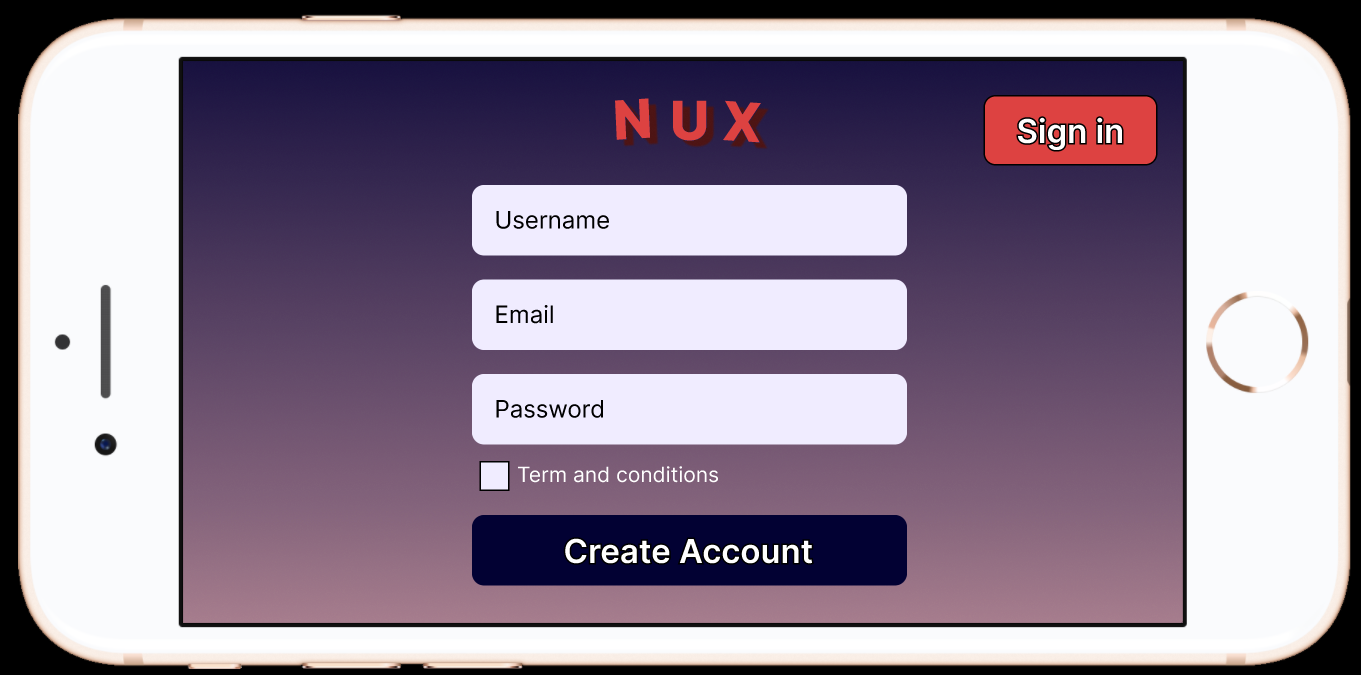
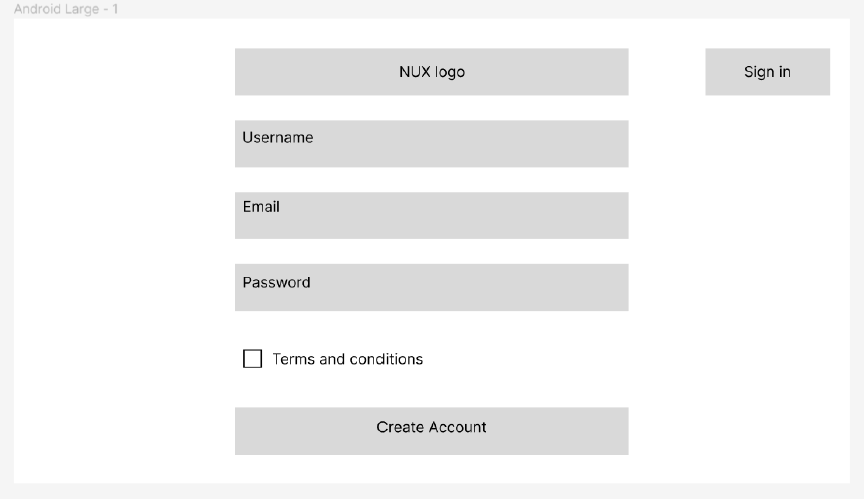
Sign-Up Page
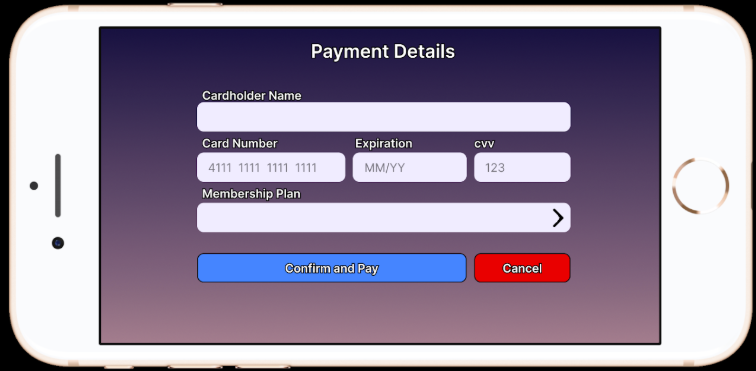
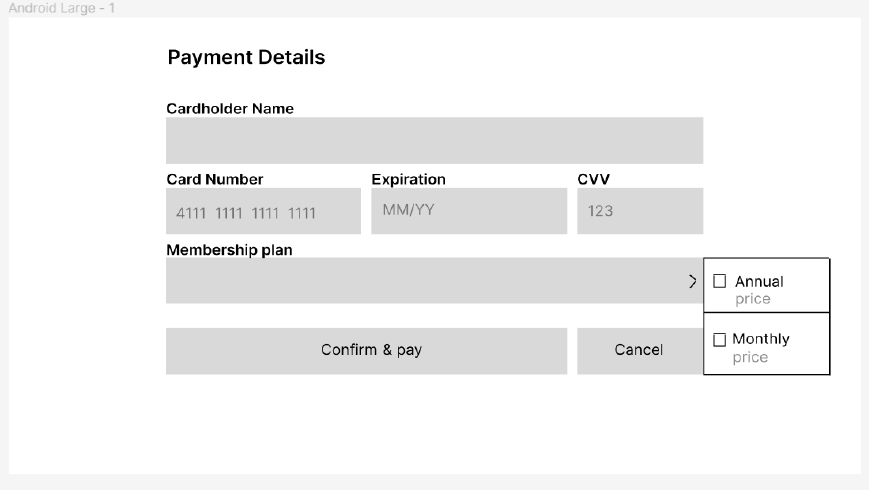
Checkout Page
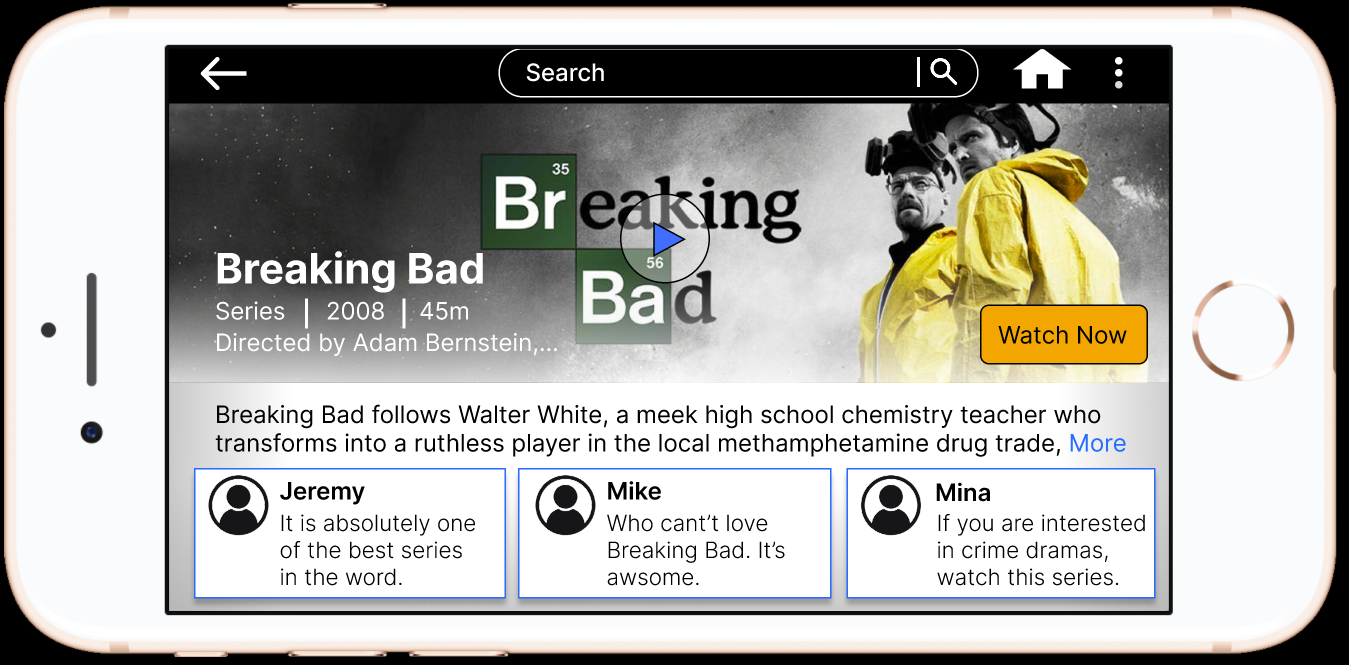
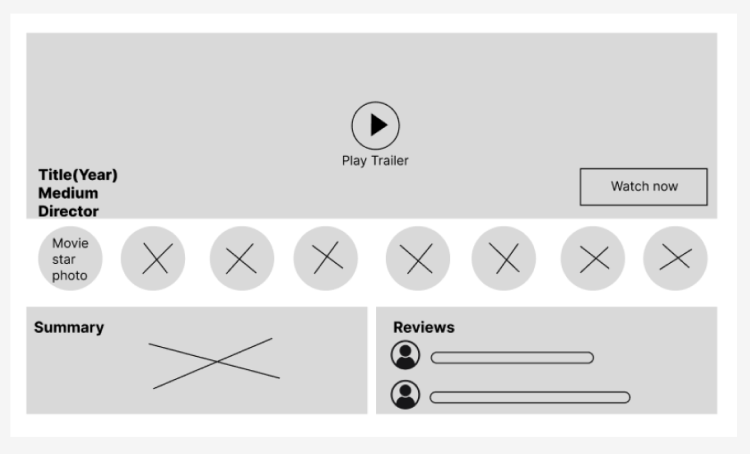
Catalogue Page
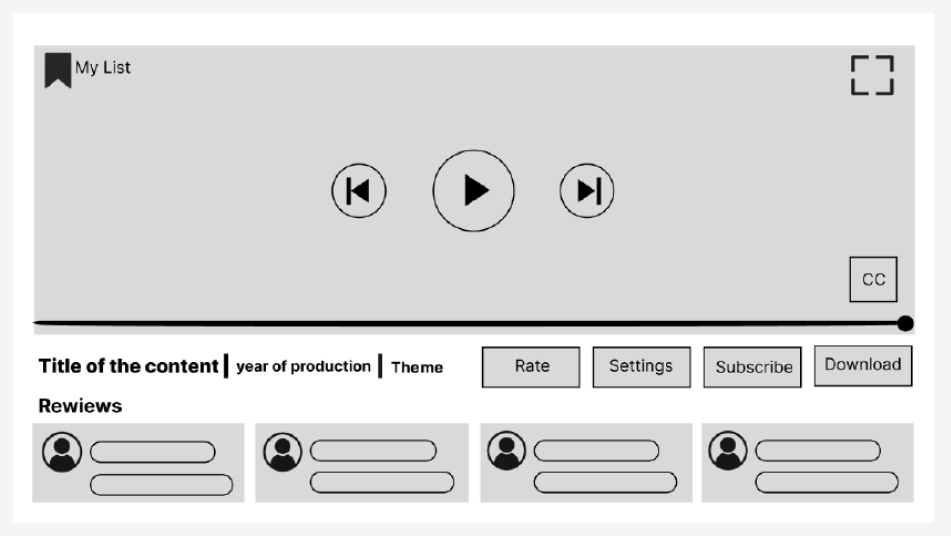
Viewing Page
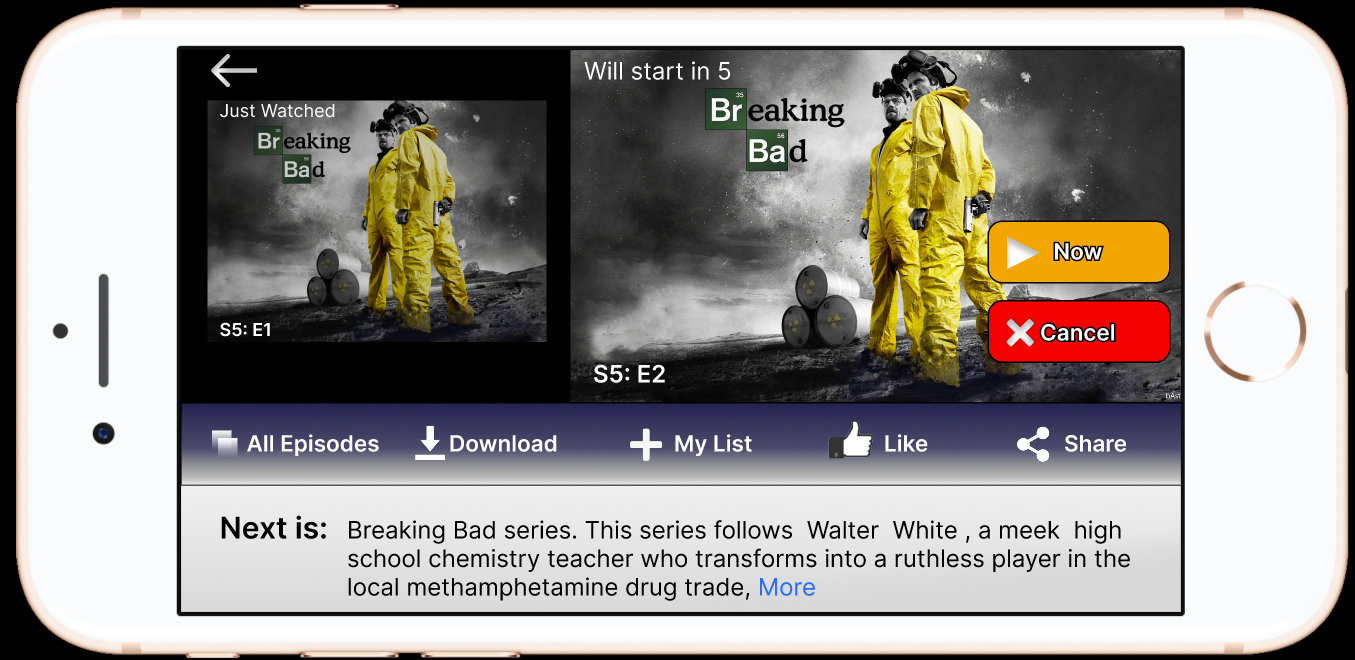
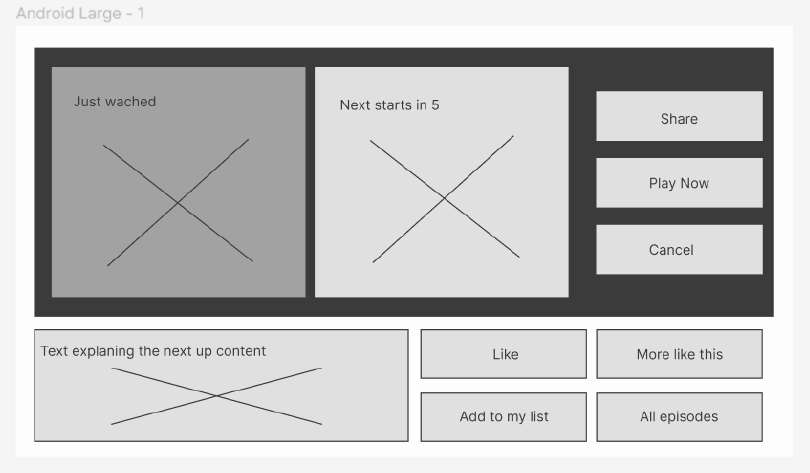
Post-Watch Screen
I began the project by reviewing existing streaming platforms to understand common patterns and best practices. By benchmarking well-known apps such as Netflix and YouTube, I was able to observe how content is organized, how playback controls are positioned, and how users interact with key actions in landscape mode. This step helped ground my design decisions in familiar conventions and reduced the risk of introducing unnecessary complexity.
Based on the insights from benchmarking, I created low-fidelity wireframes to define layout, hierarchy, and navigation across the three required screens. At this stage, the focus was on structure rather than visuals, ensuring that content, controls, and actions were placed logically for landscape use.
Usability Testing

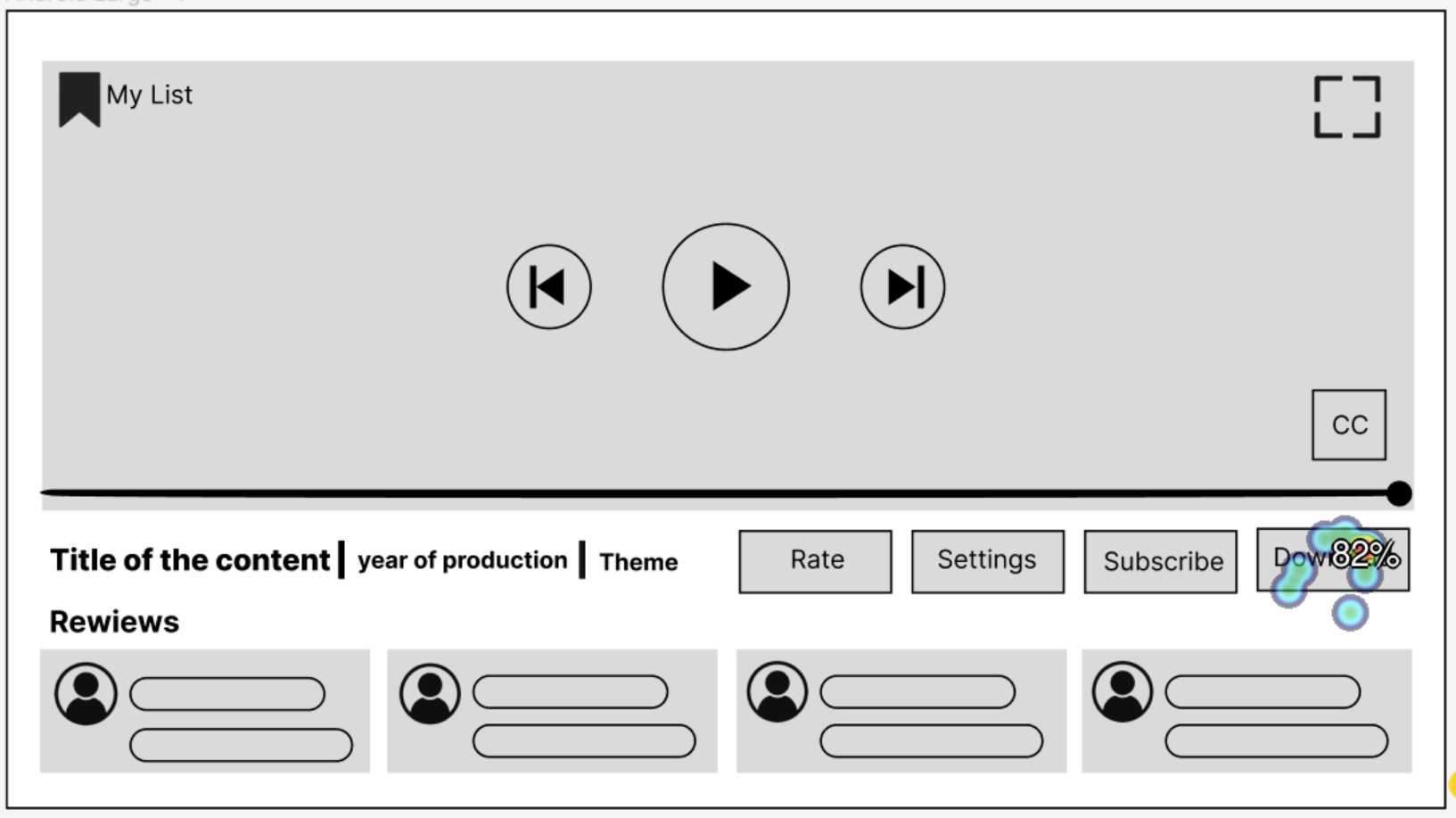
Heat Map
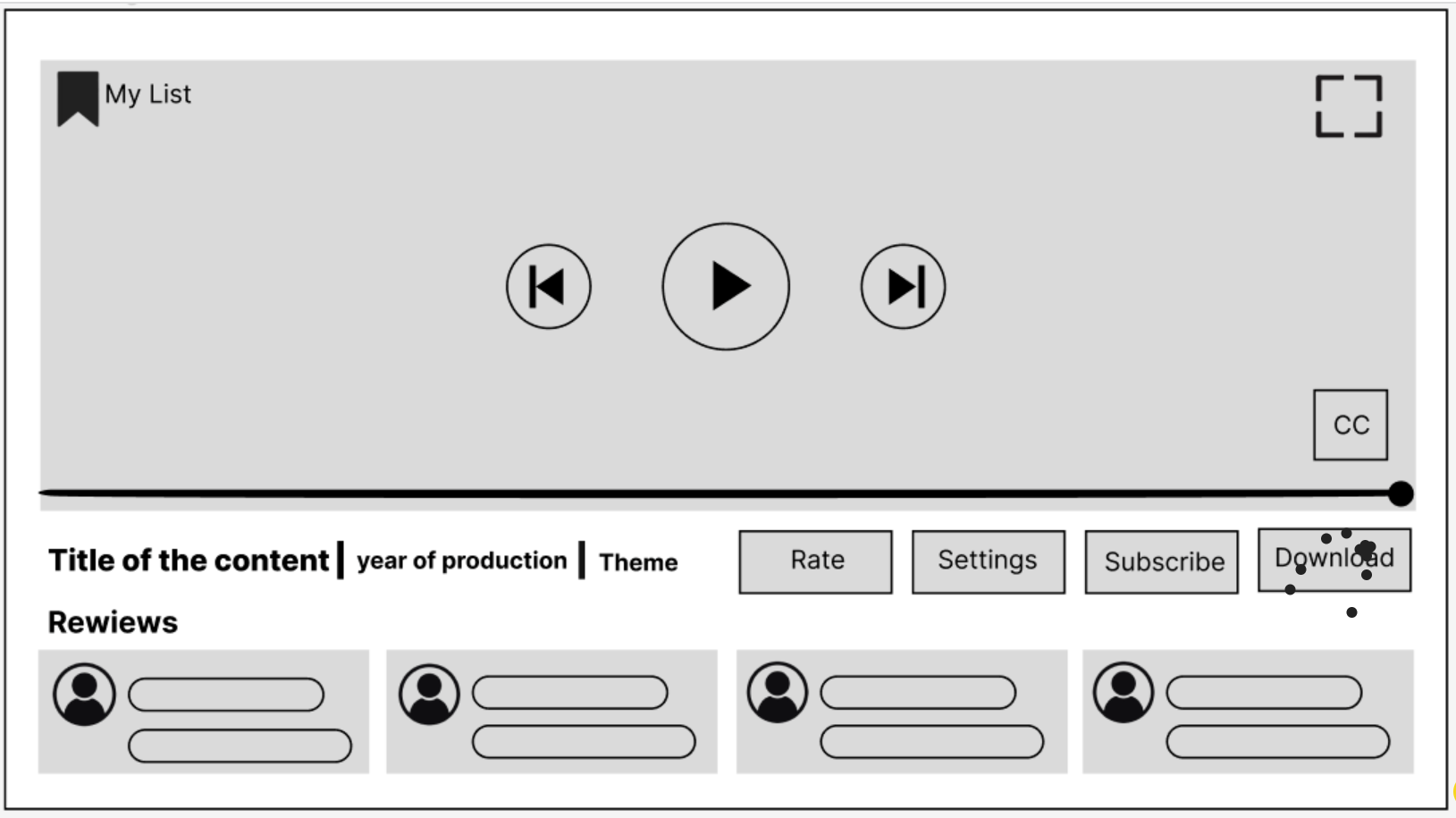
Click Map

After wireframing, I tested the designs using Optimal Workshop’s Chalkmark tool with a convenience sample of 11 students from my class. The objective was to evaluate how users interacted with key UI elements through first-click testing and heatmap analysis.

The results showed that users strongly gravitated toward centrally placed elements, with 91% of participants clicking the Play Trailer button almost immediately. Heatmaps confirmed that attention was concentrated in the center of the screen, while peripheral elements took longer to locate, averaging 13.3 seconds compared to 4.8 seconds for central actions. This highlighted the importance of clear hierarchy and placement for secondary controls. The testing also revealed that although buttons met general size guidelines at 72 pixels in width, some users still missed the target area. This indicated that larger touch zones or improved spacing could further enhance touch accuracy. Additionally, icon-based buttons were identified faster than text-only buttons, reinforcing the value of visual cues in mobile interfaces. These findings directly informed refinements to layout, hierarchy, and interaction design.

Design Implications
Prioritize central and top placement for critical actions.
Increase touch target sizes for improved accuracy.
Use clear iconography to speed up interaction.
Optimize element hierarchy to enhance findability.

Usability tests provided actionable insights that helped refine the NUX platform’s design, ensuring a more intuitive, efficient, and user-friendly experience in mobile landscape mode.

High Fidelity Prototype

Once the structure was validated, I moved into visual design. I selected purple as the primary color, with gray and dark blue as secondary and accent colors. Gradients were used to add visual depth while maintaining a clean and modern aesthetic.
To improve findability, I added a search bar to the catalogue page, allowing users to locate content more easily.
Icons were also incorporated into buttons to support quicker recognition and interaction, especially important in a landscape viewing context.

Design report

To create an intuitive and engaging mobile streaming experience, this design focused on familiarity, usability, and visual clarity. Drawing from usability heuristics and user testing data, each element was purposefully placed to enhance discoverability, accessibility, and interaction efficiency:

1. Familiarity & Consistency (Heuristic: Consistency & Standards): Designed the interface based on familiar streaming platforms to reduce the learning curve.

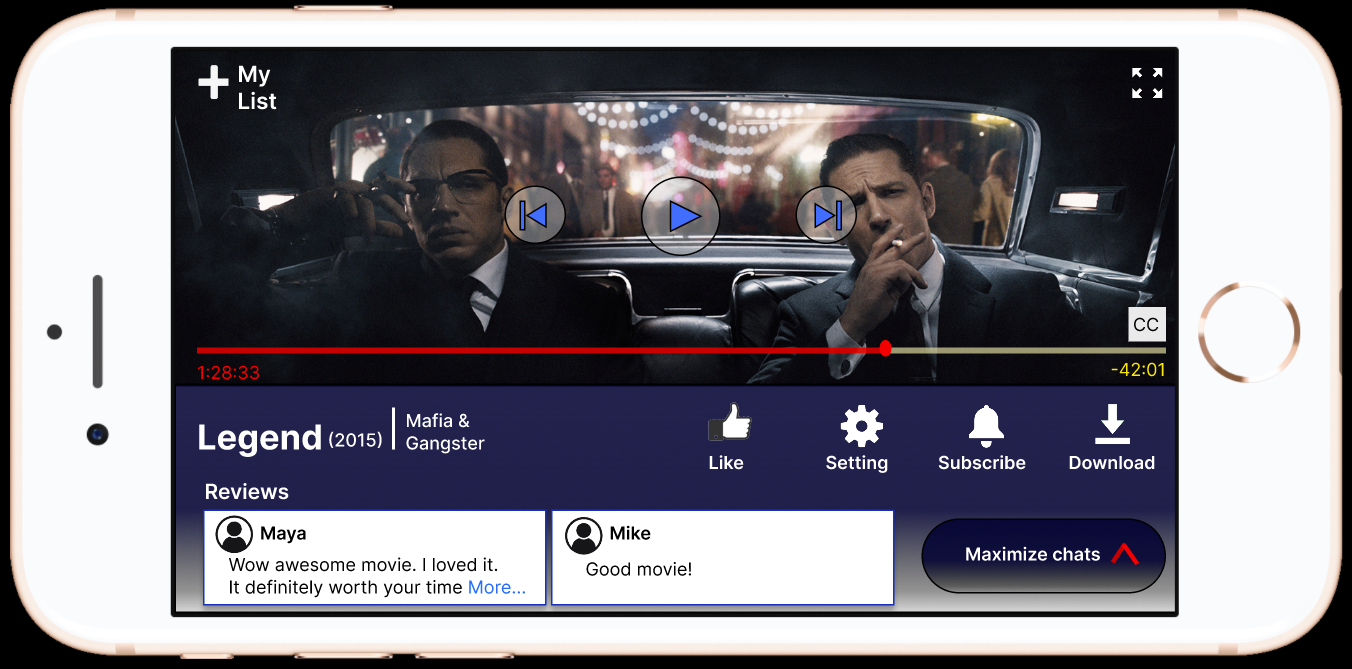
Used recognizable icons (e.g., thumbs-up for like, gear for settings, bell for subscribe).
Standardized playback controls (play, rewind, forward) for easy navigation.

2. Click & Heat Map Insights: Analyzed user engagement using click maps and heat maps.

Found high interaction areas (e.g., Play Trailer button) and adjusted design accordingly.
Ensured critical actions (play, like, settings) were easily accessible.

3. Enhancing Findability & Visibility (Heuristic: Visibility of System Status): Prioritized important elements like movie title, genre, and reviews.

Clear “Watch Now” button to guide users toward the main action.
Progress bar and timestamps provide clear playback feedback.

4. Review & Interaction Improvements: Displayed user reviews prominently for social proof and engagement.

Designed a chat section toggle for optional interaction without cluttering the UI.
Used contrasting colors for better readability.

5. Accessibility & Usability: Ensured text contrast for readability on different screens.

Used large, touch-friendly buttons for better usability on mobile.
Kept interactive elements well-spaced to prevent accidental clicks.

6. Testing & Validation: Conducted usability tests to ensure users could find and use key features easily.

Made design tweaks based on heat map data and user feedback.

My Role and Learning Outcome

This was an individual university project, and I was responsible for both the UX research and design. I conducted benchmarking, usability testing, analysis, and created the final prototype from start to finish. The project helped me practice applying research findings to design decisions, working within constraints, and designing for a specific orientation and context. It strengthened my understanding of how testing, even on a small scale, can meaningfully shape interface design.
Next project